A brief Twitter Tutorial For New User!!!!!
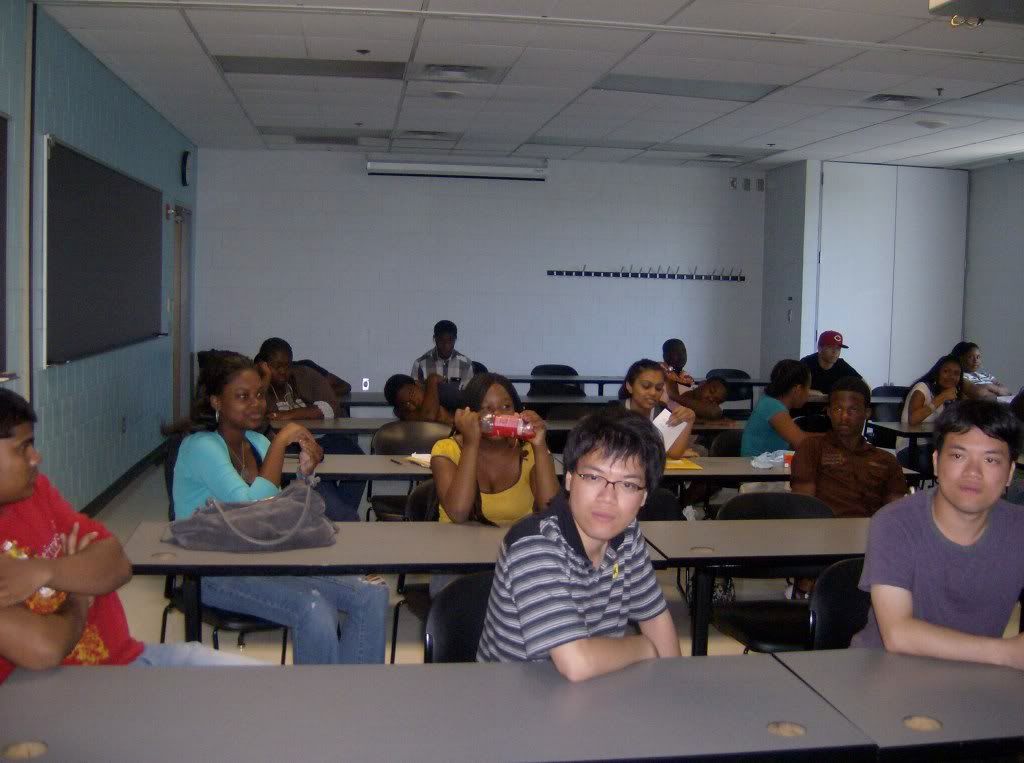
Today my group just explain how to use twitter to 4 group at Temple youth network social media.
I'm going to explain briefly how to use twitter such as putting picture for your background, design, reply back to people, and following people in twitter. visit WWW.twitter.com
Design and Background :
1. After you create your twitter account go to setting.
2. click on design at the far left side on your gray bar.
3.you should see a background and design setting.
4. click on background
5.you can choose the background that they provided or you can browser
6. for design click design
7. you should see 5 option and their color below them change whatever color you like.
Reply back to people:
1.click on home
2. point at the person that reply to you don't click them just point
3. you should see a back reply on the far right corner
following:
1.go to search bar, type what ever you want to search for don't forget to pound I mean the symbol # . etc I would search for #green because my group is doing about green stuff.
2.click on their picture or their user name.
3. You see should follow below their picture
posted by Universitygreen @ 11:39 AM


0 Comments:
Post a Comment
Subscribe to Post Comments [Atom]
<< Home